

Artificial intelligence is transforming the design world, and Canva AI tools are leading the revolution. Whether you are a blogger, marketer, entrepreneur, or designer, Canva AI image generator and other AI features can help you create professional designs in minutes.
Instead of spending hours designing graphics, you can now generate images, edit photos, write content, and build presentations using AI. In this complete guide to Canva AI tools, you’ll learn what these tools are, how they work, and how to use them effectively to create high-quality designs.
What Are Canva AI Tools?
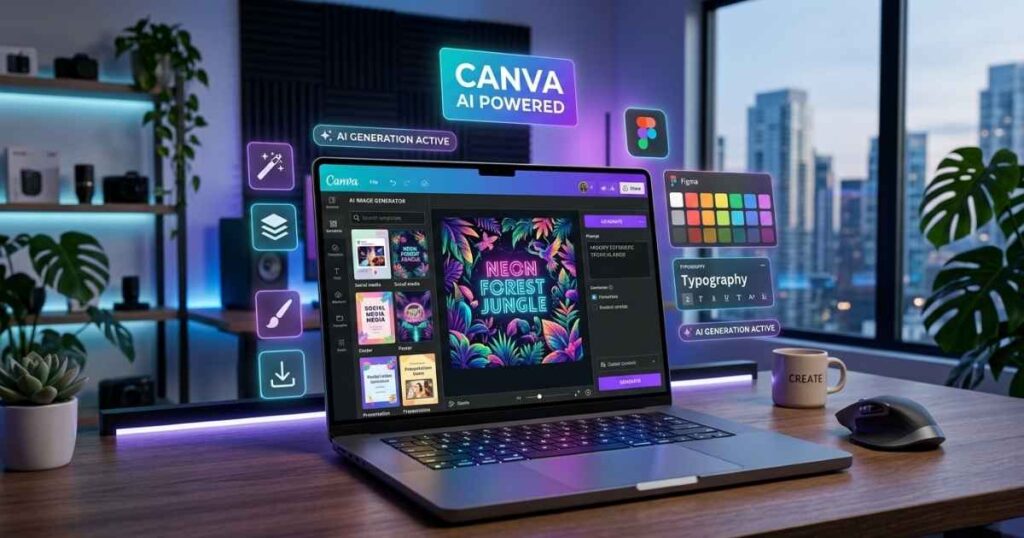
Canva AI tools are artificial intelligence features built inside Canva that help automate design tasks. These tools can generate images, write content, edit photos, and even create entire design layouts automatically.
They are part of Canva’s Magic Studio, a collection of smart AI-powered features.
Key capabilities include:
- AI image generation
- AI text writing
- AI background editing
- AI design suggestions
- AI presentation creation
These tools make design easier even for beginners.
Canva AI Image Generator (Text to Image)
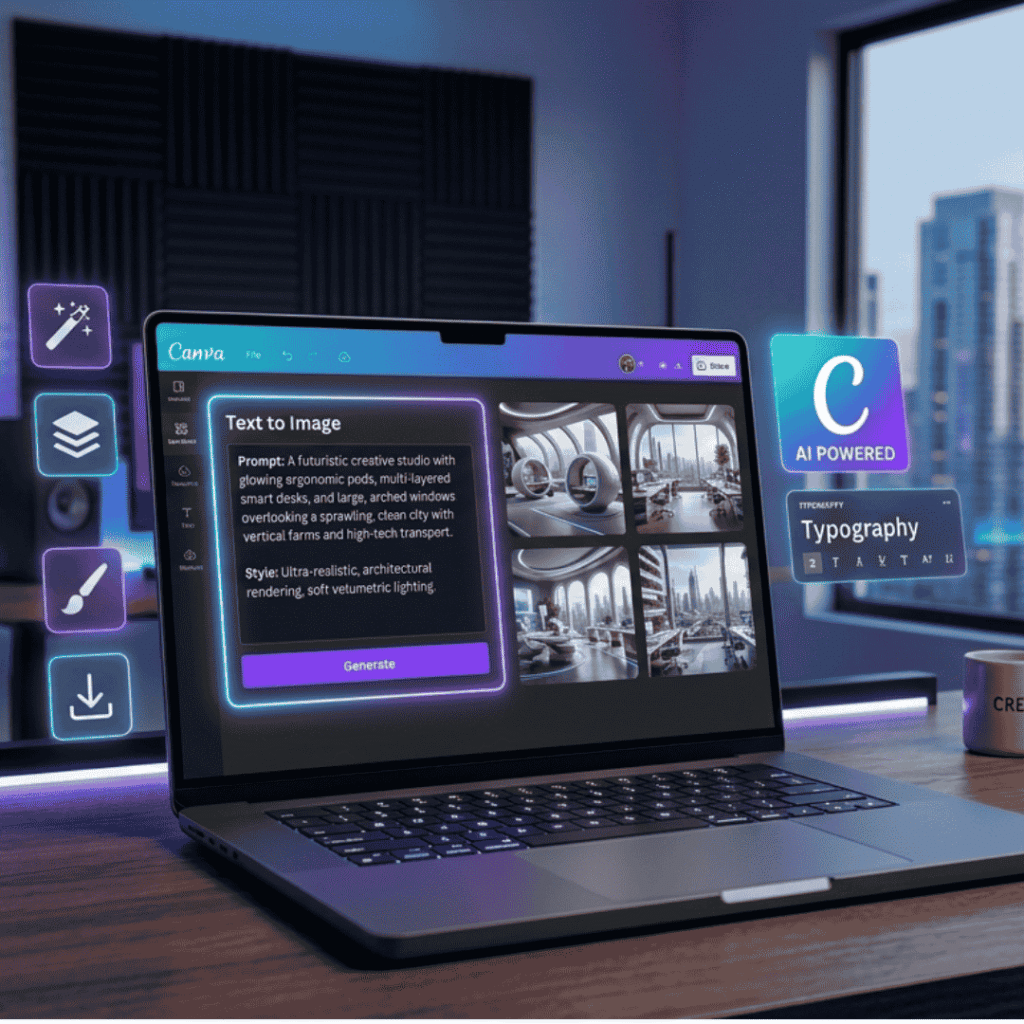
One of the most powerful Canva AI tools is the Canva AI image generator, which allows you to create images using text prompts. You simply type a description, and Canva generates images instantly.
Example Prompt
“Futuristic workspace with an AI designer creating digital artwork, neon lighting, ultra-realistic”
Within seconds, Canva creates multiple AI-generated images.
How to Use Canva AI Image Generator
- Open Canva
- Click Apps
- Select Text to Image
- Enter a prompt
- Choose style (photo, 3D, painting, illustration)
- Click Generate
Explore Powerful AI YouTube Thumbnail Prompts That Get Clicks-2026
Benefits
- No design skills required
- Unlimited creative possibilities
- Perfect for blogs, social media, and marketing
Most Powerful Canva AI Tools
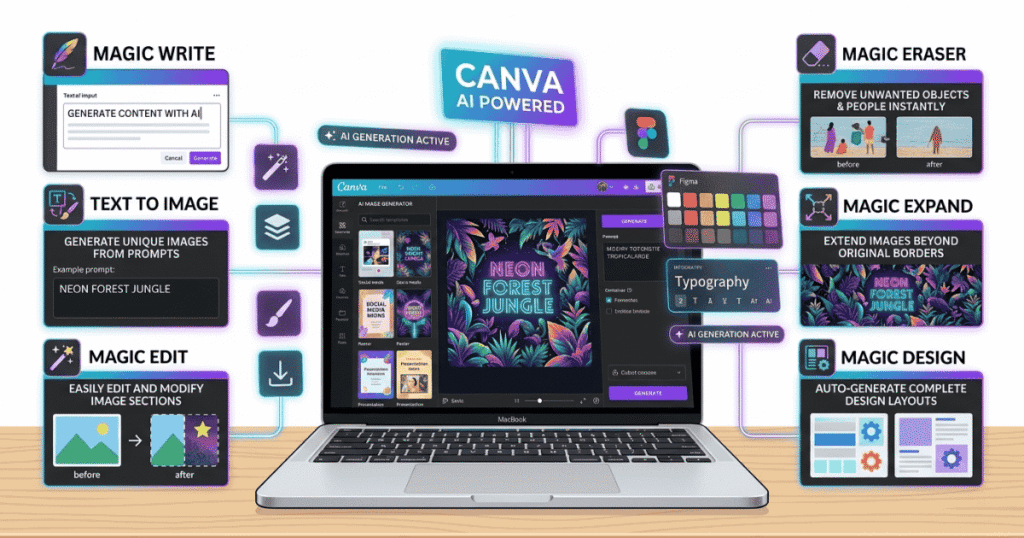
Here are the most useful Canva AI tools you should start using today.
| Canva AI Tool | What It Does |
| Magic Write | AI content generator |
| Text to Image | AI image generator |
| Magic Edit | Edit objects in images |
| Magic Eraser | Remove unwanted elements |
| Magic Expand | Extend images automatically |
| Magic Design | Auto-generate designs |
| Magic Animate | Add animations instantly |
These tools make Canva one of the most powerful AI design platforms available today.
Magic Write (AI Content Generator)
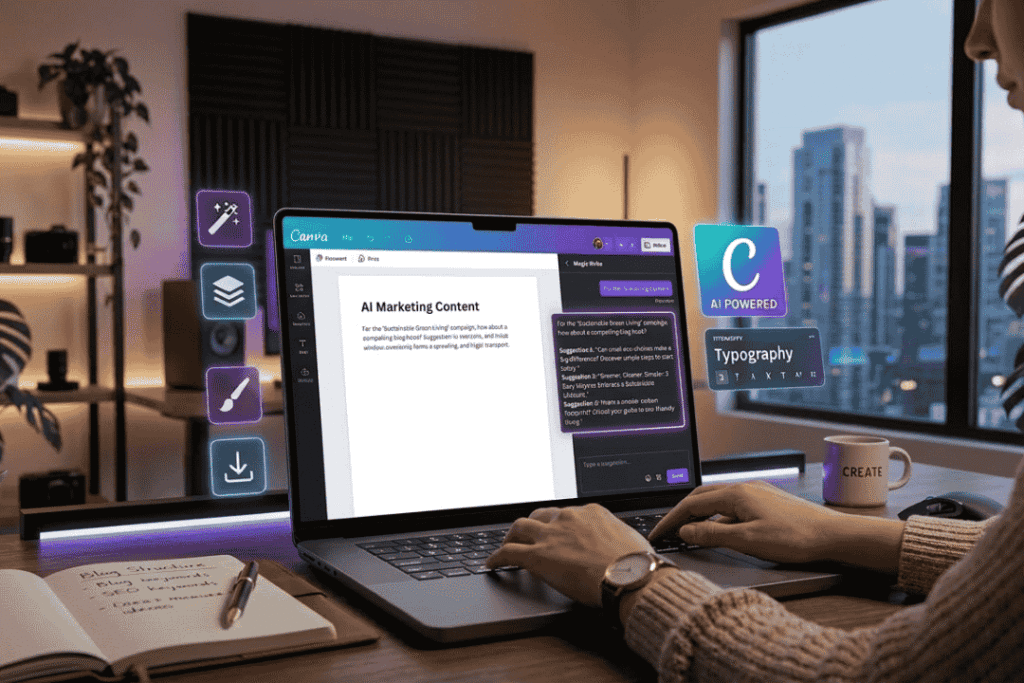
Magic Write is Canva’s AI writing assistant that helps create content quickly. You can generate:
- Blog outlines
- Social media captions
- Product descriptions
- Marketing copy
- Emails
Example
Prompt: “Write an Instagram caption for a coffee shop launch.”
Magic Write generates engaging captions in seconds. This tool is extremely helpful for marketers and content creators.
Explore The Best ChatGPT Prompts to Write Viral YouTube Scripts
Magic Design (Automatic Design Creation)
Magic Design automatically creates professional layouts based on your content. See how it works:
- Upload an image or idea
- Canva AI analyzes it
- Multiple design templates are generated
You can instantly create: Instagram posts, Presentations, Posters, Ads, Thumbnails. This saves hours of manual design work.
Magic Edit and Magic Eraser
Photo editing is easier with Canva AI tools like Magic Edit and Magic Eraser.
Magic Edit: You can modify parts of an image using AI.
Example: Change the clothing color, replace objects, modify backgrounds
Magic Eraser: Removes unwanted objects from images instantly. Example uses:
- Remove photo bombers
- Clean product photos
- Fix messy backgrounds
These tools are extremely useful for bloggers and marketers.
Magic Expand (AI Image Extension)
Sometimes images don’t fit the required size. That’s where Magic Expand helps. This tool automatically expands the image background to fit different formats.
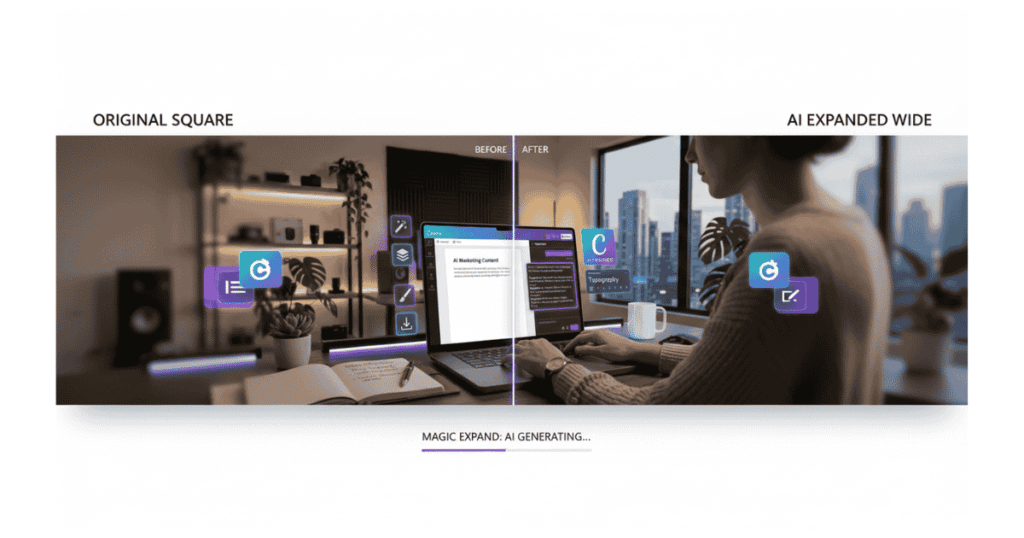
Example: Turn a square image into:
- Instagram story
- YouTube thumbnail
- Website banner
Without losing quality.
Why Canva AI Tools Are So Popular
There are several reasons why Canva AI tools are becoming extremely popular.
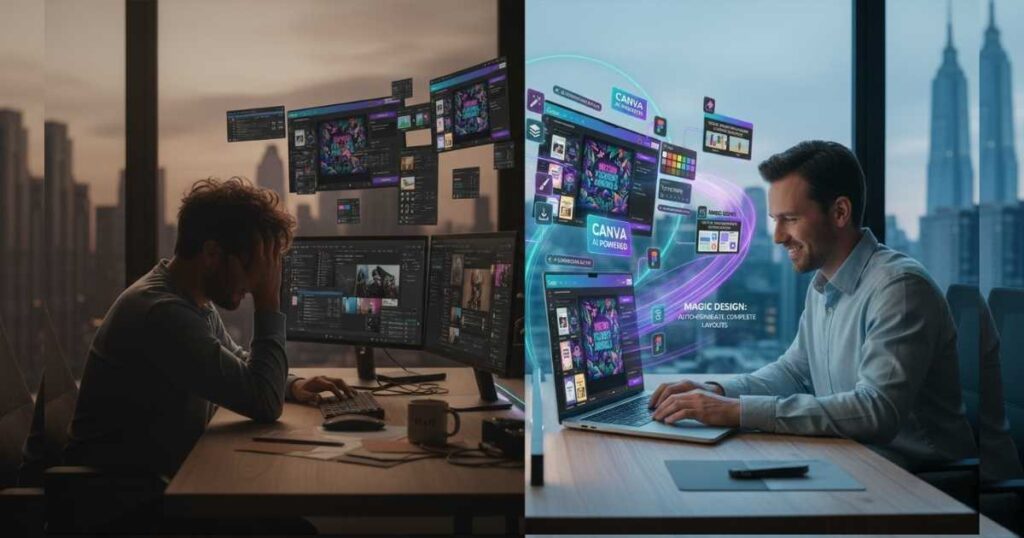
- 1. Beginner Friendly: Even people with no design skills can create professional graphics.
- 2. Saves Time: AI automation reduces design time by up to 80%.
- 3. Cost-Effective: Instead of hiring designers, you can create designs yourself.
- 4. All-in-One Platform
Canva includes: AI image generation, design tools, video editing, and presentation. Everything in one place.
Explore The Best Ad Creatives Prompts for High-Converting Ads
Best Use Cases for Canva AI Tools
Here are some of the most popular ways creators use Canva AI tools.
Blogging
Create: Blog featured images, Pinterest pins, infographics
Social Media
Generate: Instagram posts, reels covers, story graphics
Marketing
Design: ads, banners, email graphics
E-commerce
Create: product mockups, promotional images, product listings
Tips to Get the Best Results from Canva AI Image Generator
To get better results with the Canva AI Photo generator, follow these tips.
Use Detailed Prompts– Example:
Bad prompt: “Coffee shop.”
Better prompt: “Cozy modern coffee shop interior with warm lighting and wooden furniture.”
Add Style Keywords Examples:
- cinematic
- ultra realistic
- 3D render
- minimalistic
- watercolor
Experiment With Multiple Generations
Generate several variations and choose the best one.
Canva AI Tools vs Other AI Design Tools
| Tool | Strength |
| Canva AI | Easy and beginner-friendly |
| Midjourney | High-quality artistic images |
| DALL-E | Creative AI image generation |
| Adobe Firefly | Professional design tools |
For beginners, Canva AI tools are the easiest to start with.
Future of Canva AI
AI design tools are evolving rapidly, and Canva continues to release new features. Future improvements may include:
- advanced image editing
- AI video generation
- smarter design automation
- personalized design suggestions
This makes Canva one of the most exciting platforms in the AI design space.
final thoughts
The Canva AI Photo generator and other Canva AI tools are transforming how people create designs online.
Whether you’re a blogger, marketer, entrepreneur, or content creator, these AI features allow you to produce professional graphics quickly and easily.
By learning how to use Canva’s AI tools effectively, you can save time, increase productivity, and create stunning visuals without needing advanced design skills.
Start exploring Canva AI today and unlock a whole new level of creativity.
FAQ
What is Canva AI image generator?
The Canva AI image generator is a text-to-image tool that allows users to create images by typing prompts. Canva automatically generates visuals based on the description.
Are Canva AI tools free?
Some Canva AI tools are free, but advanced features are available only in Canva Pro.
Can beginners use Canva AI tools?
Yes. Canva AI tools are designed for beginners and require no design experience.
What can you create using Canva AI?
You can create: social media posts, blog images, marketing graphics, presentations, advertisements
Is Canva AI better than Midjourney?
Canva AI is easier for beginners, while Midjourney produces more artistic and detailed images.


